Downloads
Software
Manuals
Documentation
Visuals
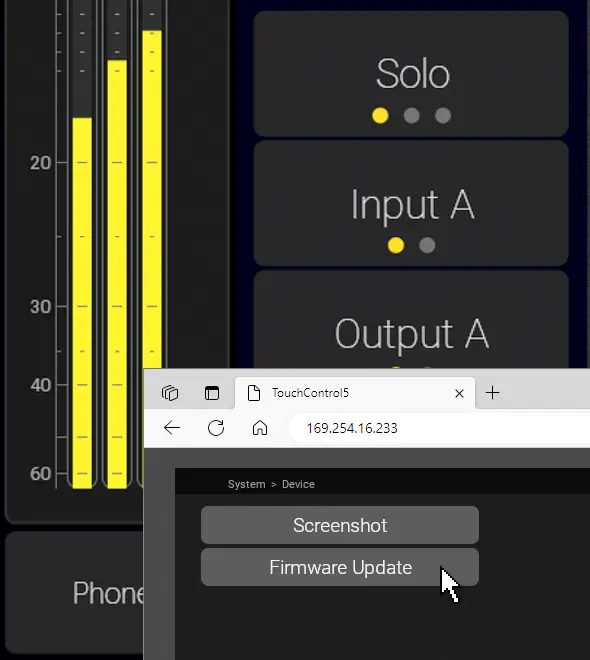
How to update
TMxCore, TouchControl 5, TouchMonitor 5
Download the firmware
Open the Webapp
System > Device > Firmware Update
Follow Instructions
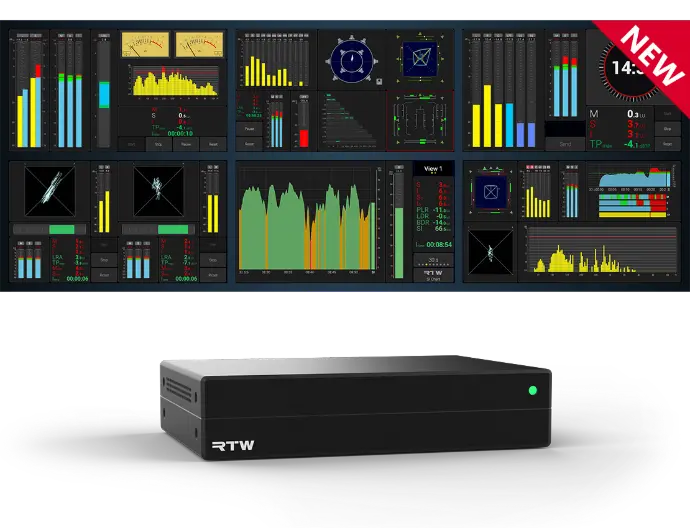
TMxCore
Firmware version 2.1.6
Important note on updating the firmware
You may experience issues during the update process. The update can fail, requiring multiple attempts.
In some cases, the device might appear to enter a black-screen state; simply disconnect and reconnect it to continue.
After restarting, the correct firmware should be installed. If not, try the update again - eventually, you WILL succeed. :-)
These issues have been resolved in version 2.1.6.
TouchControl 5
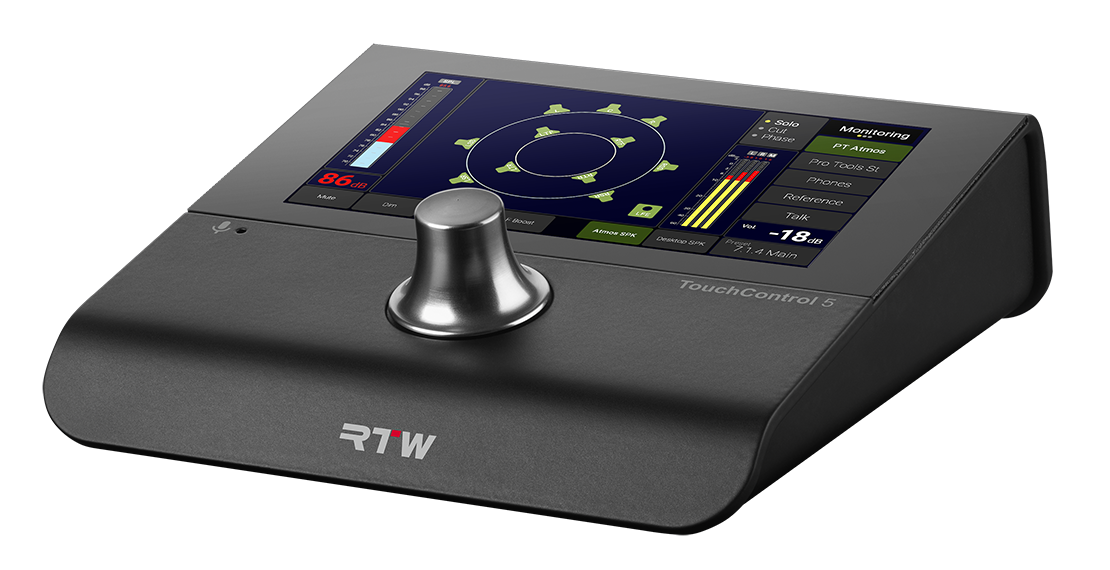
Firmware version 2.1.6
Important note on updating the firmware
You may experience issues during the update process. The update can fail, requiring multiple attempts.
In some cases, the device might appear to enter a black-screen state; simply disconnect and reconnect it to continue.
After restarting, the correct firmware should be installed. If not, try the update again - eventually, you WILL succeed. :-)
These issues have been resolved in version 2.1.3.
Documentation
Detailed Manual
Detailed Manual, JP
Quick Start Guide
Quick Start Guide, JP
Data Sheet
Visuals
Image Package
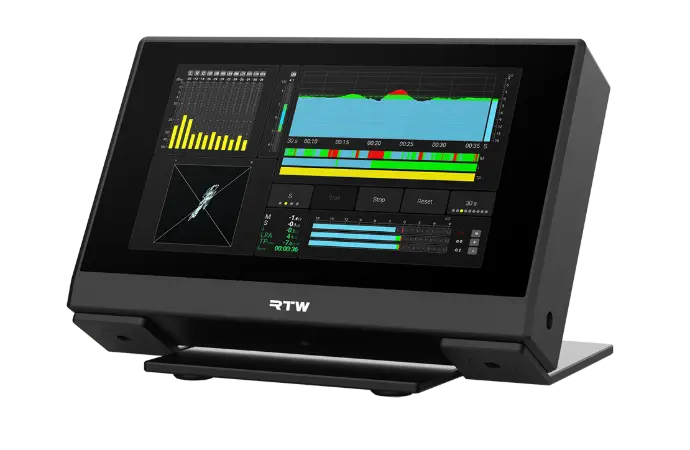
Firmware version 2.1.6
Important note on updating the firmware
You may experience issues during the update process. The update can fail, requiring multiple attempts.
In some cases, the device might appear to enter a black-screen state; simply disconnect and reconnect it to continue.
After restarting, the correct firmware should be installed. If not, try the update again - eventually, you WILL succeed. :-)
These issues have been resolved in version 2.1.3.
TouchMonitor 5
TM9
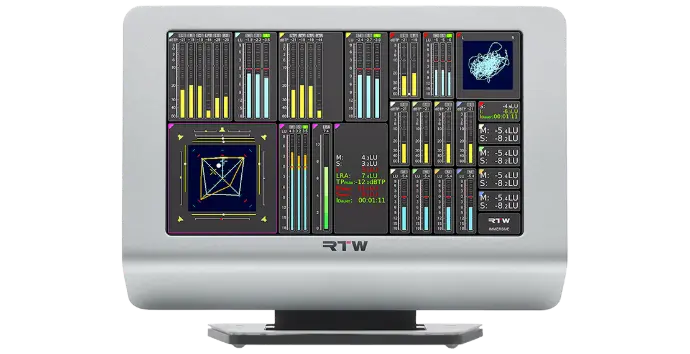
Firmware version 8-05
Important note on updating the firmware
The firmware version of your unit shall be checked: Touch Menu, then touch Info! Depending on that version, interim updates shall be executed!
Mandatory order of updates: 1-0 --> 1 -15 --> 2-17 --> 2-30 --> 2-38 --> 5-11 --> then higher versions.
Please contact us, if you need interim updates!
Documentation
Detailed Manual
Quick Start Guide
Data Sheet
Data Sheet, US
Mounting TM9-MA4
Visuals
Image Package
TM7
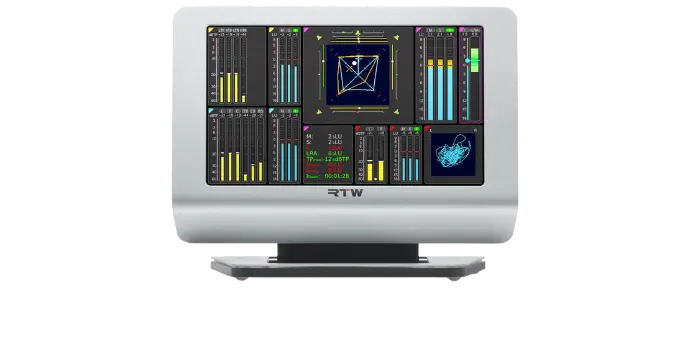
Firmware version 8-05
Important note on updating the firmware
The firmware version of your unit shall be checked: Touch Menu, then touch Info! Depending on that version, interim updates shall be executed!
Mandatory order of updates: 1-0 --> 1 -15 --> 2-17 --> 2-30 --> 2-38 --> 5-11 --> then higher versions.
Please contact us, if you need interim updates!
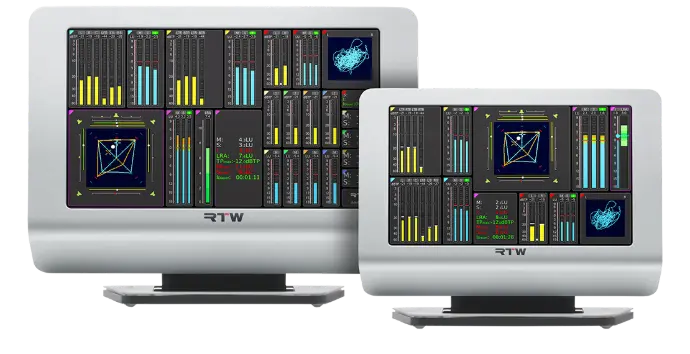
RTW Firmware for Dante® Network Interface
Important note on updating the Dante® firmware
The firmware version of your Dante® interface shall be checked: Touch Menu, then System, Audio and AoIP Name. With the AoIP Name displayed, you will find the firmware version of your device in the Dante® Firmware Update Manager.
Attention - Use only RTW Dante® firmware to update your TouchMonitor. The RTW version of the Dante firmware includes modifications specifically for RTW products, and should not be used for non-RTW Dante products.
Download RTW Dante® Firmware 1.04b
Release Notes
Manual Supplement for TM devices with Dante® connection
RTW Firmware for RAVENNA®/AES67/ST 2110 Interface
The firmware version of your RAVENNA®/AES67/ST 2110 interface can be checked by opening Menu > System > Audio > AoIP Network Settings. Enter the displayed IP address into your web browser. The Merging firmware version will appear on the right side of the top frame under “Interface Firmware.”
Attention: Use only RTW ZMAN firmware 1.0.29 when updating your TouchMonitor. This RTW-specific version is based on Merging firmware 1.6.5 and includes modifications tailored for RTW products. It must not be used on non-RTW Merging devices.
IMPORTANT: Read the Update Instructions
Download RTW ZMAN Firmware 1.0.29
Change Log
Manual Supplement for TM devices with RAVENNA® connection
TM9 + TM7 Dante and Ravenna Interfaces
TMR7
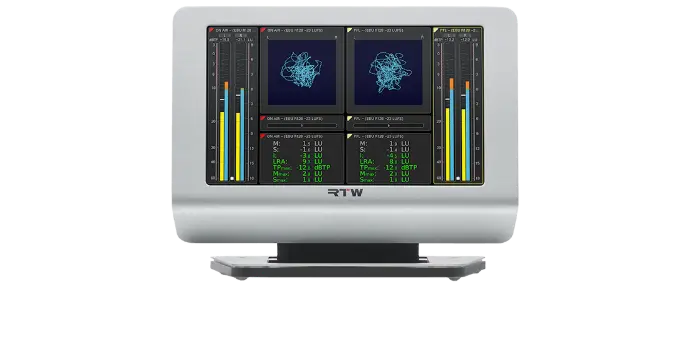
Firmware version 8-05
Important note on updating the firmware
The firmware version of your unit shall be checked: Touch Menu, then touch Info!
Please contact us, if you need interim updates!
Depending on your model, the firmware differs:
TMR7 | TMR7OEM
TMR7-Radio | TMR7-Mount
Documentation
TMR7 | TMR7OEM
Detailed Manual
Data Sheet
Data Sheet, US
TMR7-Radio | -Mount
Detailed Manual
Data Sheet
Data Sheet, US
Miscellaneous
Man. Order License
Tutorial SW20014
Man. GPIO Control
TM7-MA3U | -MAVID
Assembly 19"-3U Rack
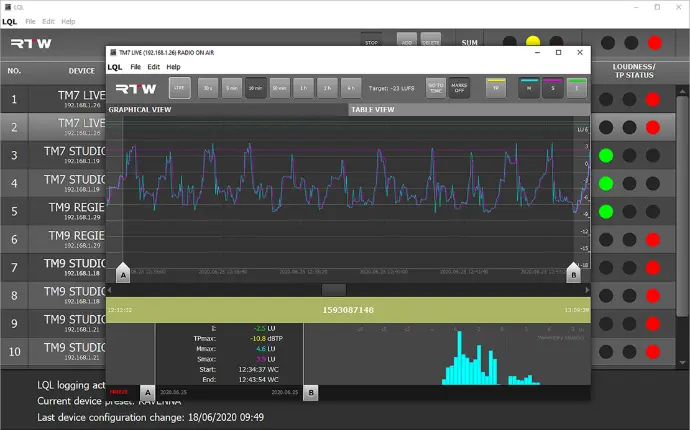
Requires Loudness license SW20002 and Logging Data Server license SW20014 on TM7, TMR7 or TM9 devices and the Logging instrument placed in an audio group on them.
LQL: Loudness Quality Logger for Windows®
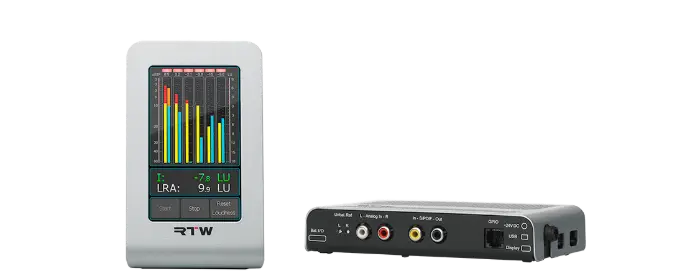
TM3 Smart
Firmware version 5-02
Please first read the update instructions
Devicer DC1
Device Configurator for personalizing TM3 Smart
Download Devicer DC1 for Max OS X®
Documentation
TM3 Smart
Detailed Manual
Data Sheet
Install in TM3-MA2U
Devicer DC1
Detailed Manual
Visuals
Image Package
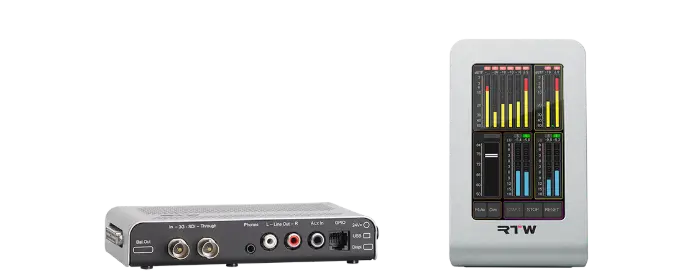
TM3-3G Smart
Firmware version 5-02
Please first read the update instructions
Devicer DC1
Device Configurator for personalizing TM3 Smart
Download Devicer DC1 for Max OS X®
Archive

Many older units are still reliable in daily use. If you need missing documents you may find them here.
SurroundControl 31900
In 19"/1U case with Remote Control
– Device is no longer available –
Please note the specific version of your device!
Press the Menu button and select the General Settings menu tab. The About-Info frame shows the software version.
Please contact us to get the firmware!
Manual 31900 v04.00.41 and higher
Manual 31900 v04.00.31
Manual 31900 v04.00.07
Manual 31900 for hardware version 4
Manual 31900 v03.00.20
Data Sheet 31900 Series
SurroundControl 31960
Half-19" module with 6.5" TFT and control panels
– Device is no longer available –
Please note the specific version of your device!
Press the Menu button and select the General Settings menu tab. The About-Info frame shows the software version.
Please contact us to get the firmware!
Manual 31960 v04.00.41 and higher
Manual 31960 v04.00.31
Manual 31960 v04.00.07
Manual 31960 for hardware version 4
Manual 31960 v03.00.20
Data Sheet 31960 Series
SurroundMonitor 11900
In 19"/1U case with control buttons
– Device is no longer available –
Please note the specific version of your device!
Press the Menu button and select the General Settings menu tab. The About-Info frame shows the software version.
Please contact us to get the firmware!
Manual 11900 v04.00.41 and higher
Manual 11900 v04.00.31
Manual 11900 v04.00.07
Manual 11900 for hardware version 4
Manual 11900 v03.00.20
Data Sheet 11900 Series
TMR7 Smart
With 7" Touch Display and complete feature set
– Device is no longer available –
Please note the specific firmware version of your unit: Touch Menu, then touch Info!
Please contact us, if you need interim updates!