TouchControl 5
Metering meets Monitor Control
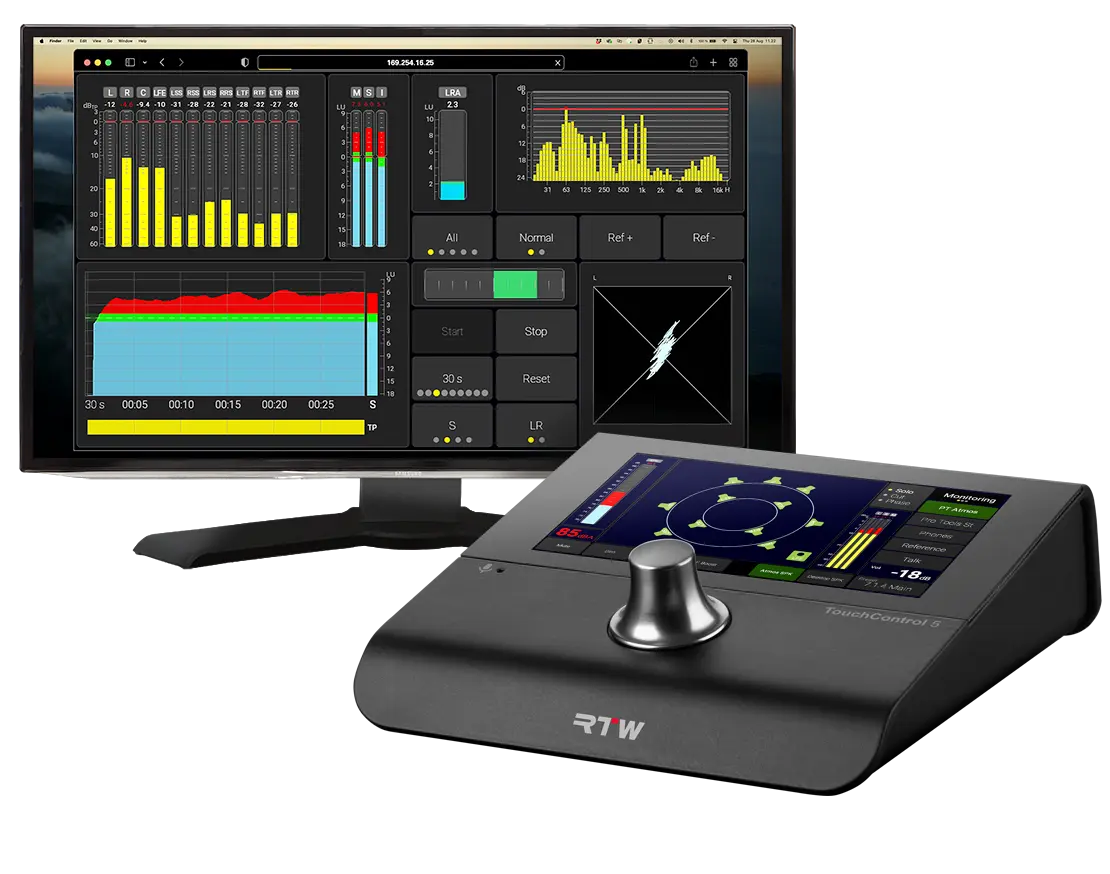
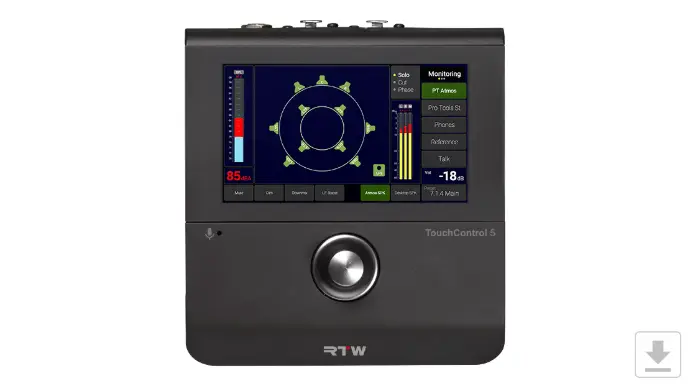
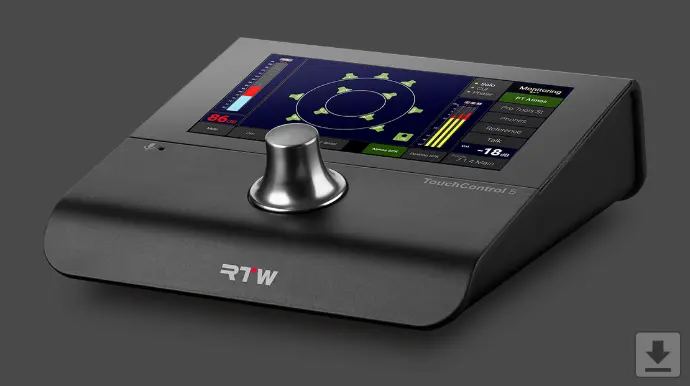
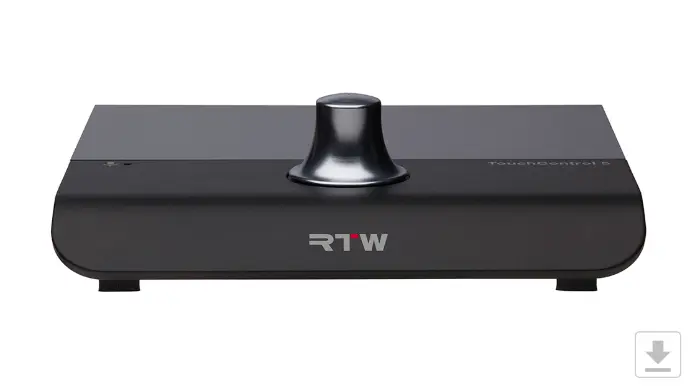
Meet TouchControl 5, our Dante®- or RAVENNA®-based immersive monitor controller with metering.
Continuing our legacy of excellence in broadcast-grade monitor controllers, the TouchControl 5 redefines what’s possible by seamlessly uniting advanced metering with powerful monitor control - giving you the best of both worlds in a compact format with a small footprint.
It comes fully loaded with RTW’s trusted, loudness-compliant metering tools and an industry-leading monitor control engine that supports a wide range of speaker formats, speaker calibration, bass management, downmixing, and multiple input configurations.
Up Front
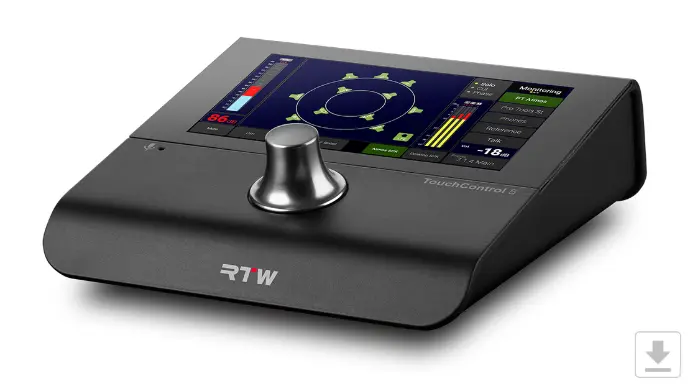
On the front of TouchControl 5, the integrated microphone serves a dual purpose - it provides input for SPL measurement and can also be used for talkback.
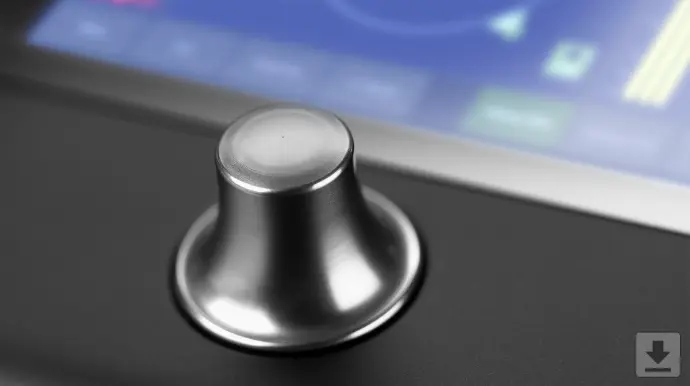
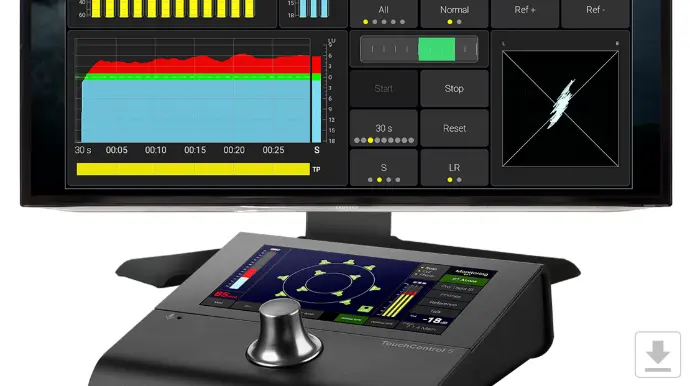
The 5-inch touchscreen is fully user-configurable, and the pushable rotary knob can be customized to suit your workflow, giving you direct, tactile control exactly the way you want it.
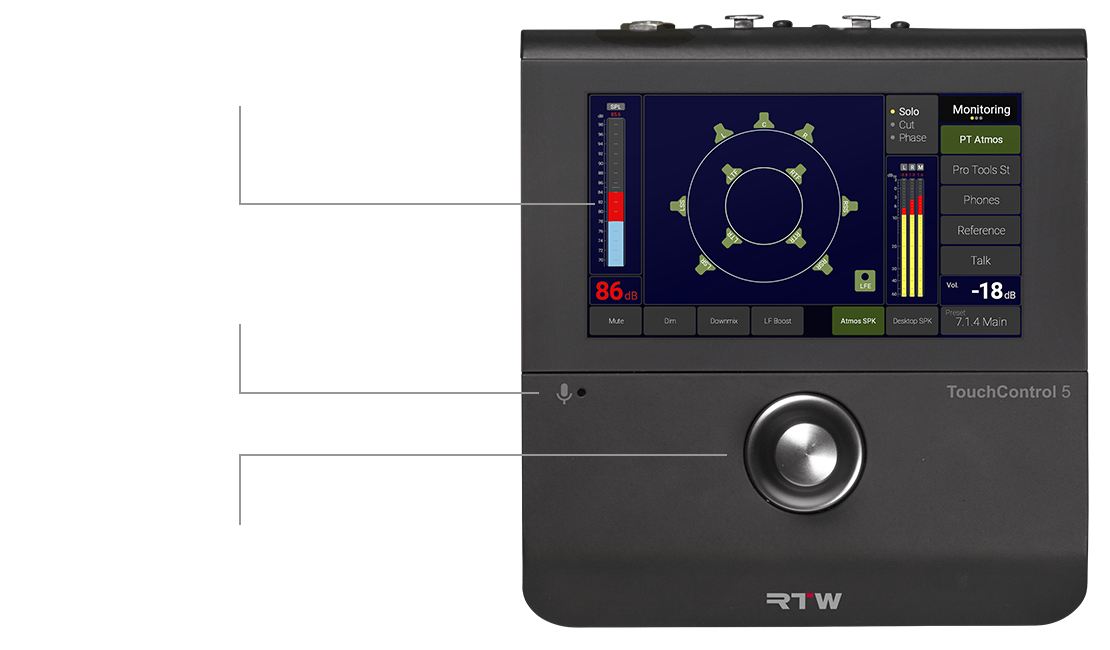
Key Features
- Immersive table-top monitor controller and meter with 5” touch display and 32 Dante® or RAVENNA® channels
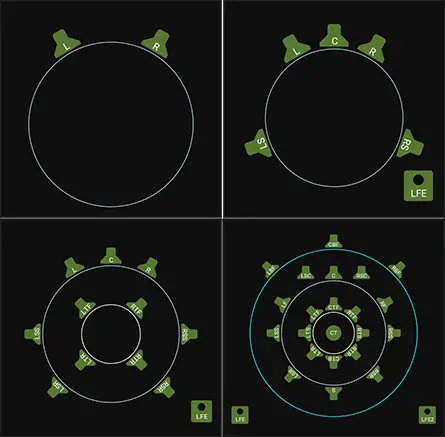
- Support for stereo- surround and -immersive speaker formats including 5.1 and 7.1.4
- Support of array speaker layouts according to Dolby® guidelines
- Comprehensive monitor control feature set with speaker calibration, SPL measurement, bass management and up to 4 sources/destinations
- RTW precision metering with customizable bargraphs and support for international loudness standards
- Audio Vectorscope, Real Time Analyzer, Loudness Chart
- LFE Bleed, Ratio instrument
- Toolbox with independently routable leveling and talkback
- Customizable view pages
- Network Display (license option) for audio measurement in the network with a standard web browser
- Action instrument with powerful control capabilities
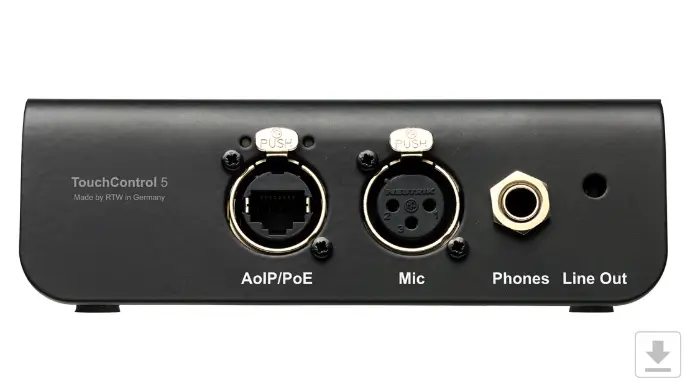
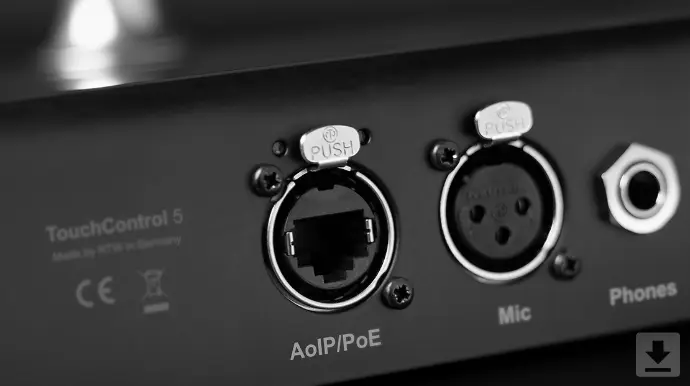
- Built-in microphone preamp with +48 V phantom power
- Built-in calibrated microphone for talkback and SPL measurement
- Powerful Headphone Output: 1/4 inch Headphone output with the option of monitoring a user-defined downmix
- Analog Speaker Output: 3.5mm speaker output with the option of monitoring a user defined downmix
- Easy Setup with Web-based Interface
- Power over Ethernet (PoE – IEEE 802.3af compliant)
- Sample rate up to 96 kHz
- Assignable knob press action: DIM, Mute, Recall of Calibrated Level
- Lockable Operation Mode: Fool-proof setup with access only to relevant controls. Prevents unintentional operation during showtime
Stereo, Surround, Immersive
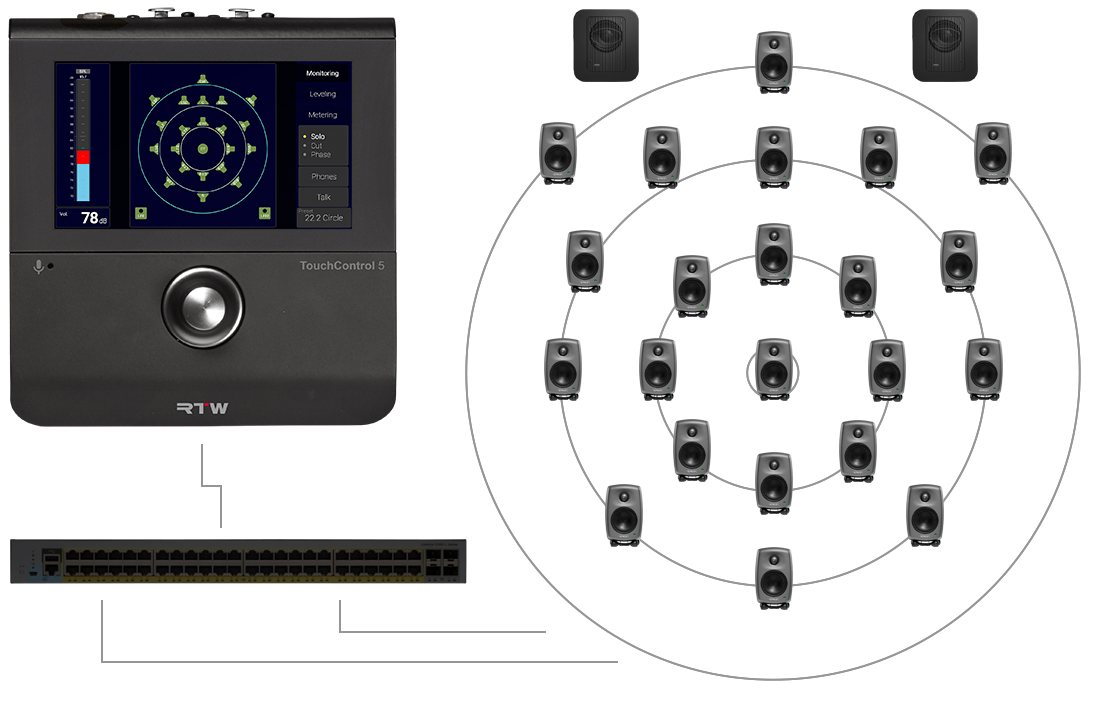
With support for up to 32 audio channels in and out, TouchControl 5 can handle channel configurations from stereo to 22.2.
Among the many supported formats you will find 5.1 and 7.1 surround as well as 7.1.4 and 9.1.6 immersive.
Monitor Control. Tried. Tested. Approved.
Tried, tested, and approved by many broadcast engineers around the world, you find the very same monitor control engine that you might know from our legacy surround monitor controllers.
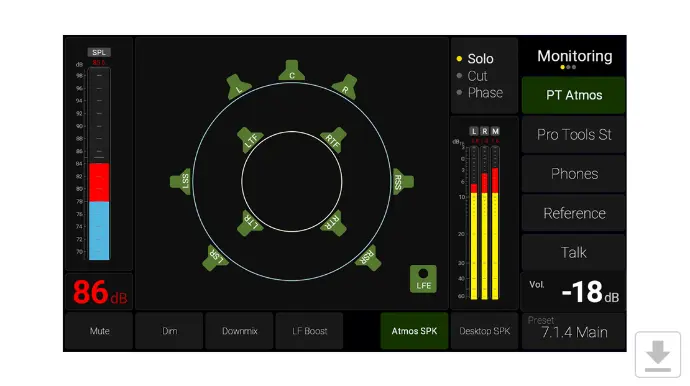
The list is long, but let’s emphasize downmix, DSP-powered speaker calibration (using the internal microphone OR manual set), SPL readout, 4 input sources, speaker set selection (up to 4), solo, cut, swap, phase, mono, dim, mute and test tone generator.
The source compare feature lets you toggle between sources for easy comparison and lets you set individual delays for each of the sources.
On the output side, you can set up four speaker sets and easily switch between them or you can listen to your work with your favorite headphones using the headphones output.
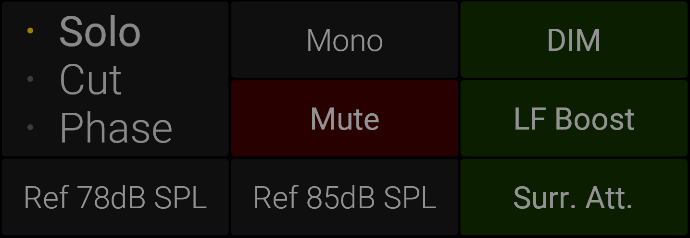
Solo, Cut, Phase - Mono, Dim, Mute, LF Boost, Surr.att
Speakers can be individually soloed, muted (cut), or phase-reversed.
Mono performs a mono downmix to the selected speaker, while Mute silences all speakers. Dim reduces the overall speaker level by a selectable amount.
LF Boost applies a 10 dB low-frequency boost, and Surr. Att lowers the level of all surround channels by 3 dB.
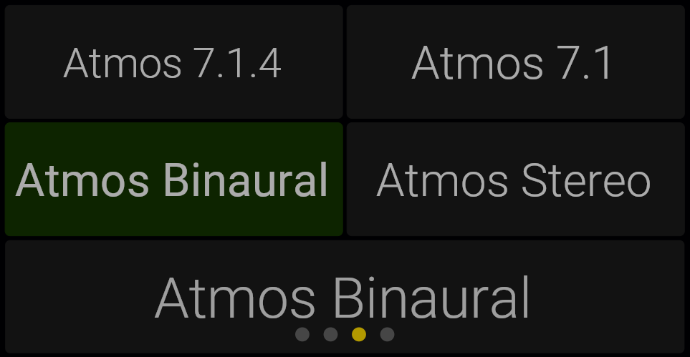
4 input sources
The source compare feature lets you toggle between sources for easy comparison and lets you set individual delays for each of the sources.
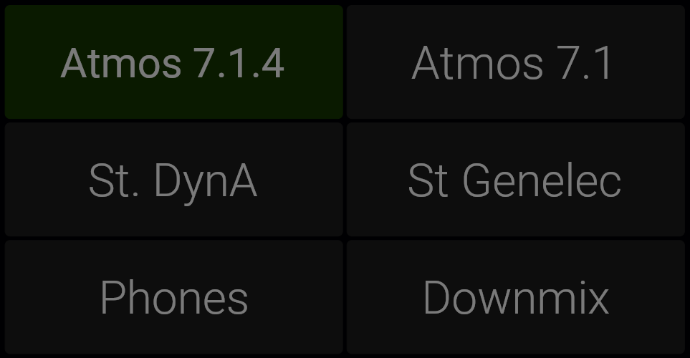
Speaker set selection
On the output side, you can set up four speaker sets and easily switch between them or you can listen to your work with your favorite headphones using the headphones output.
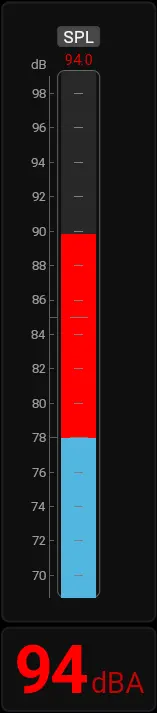
SPL Readout
Room SPL can be measured in real time using the internal microphone or an external measurement microphone connected to the XLR input.
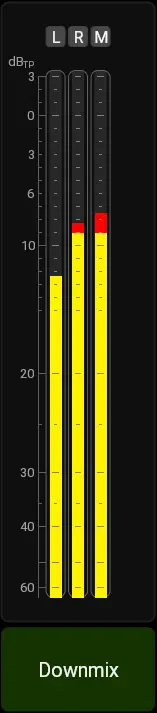
Downmix
TouchControl 5 creates both mono and stereo downmixes, which are always available on dedicated outputs.
The Downmix Meter allows you to monitor the levels of these downmix signals.
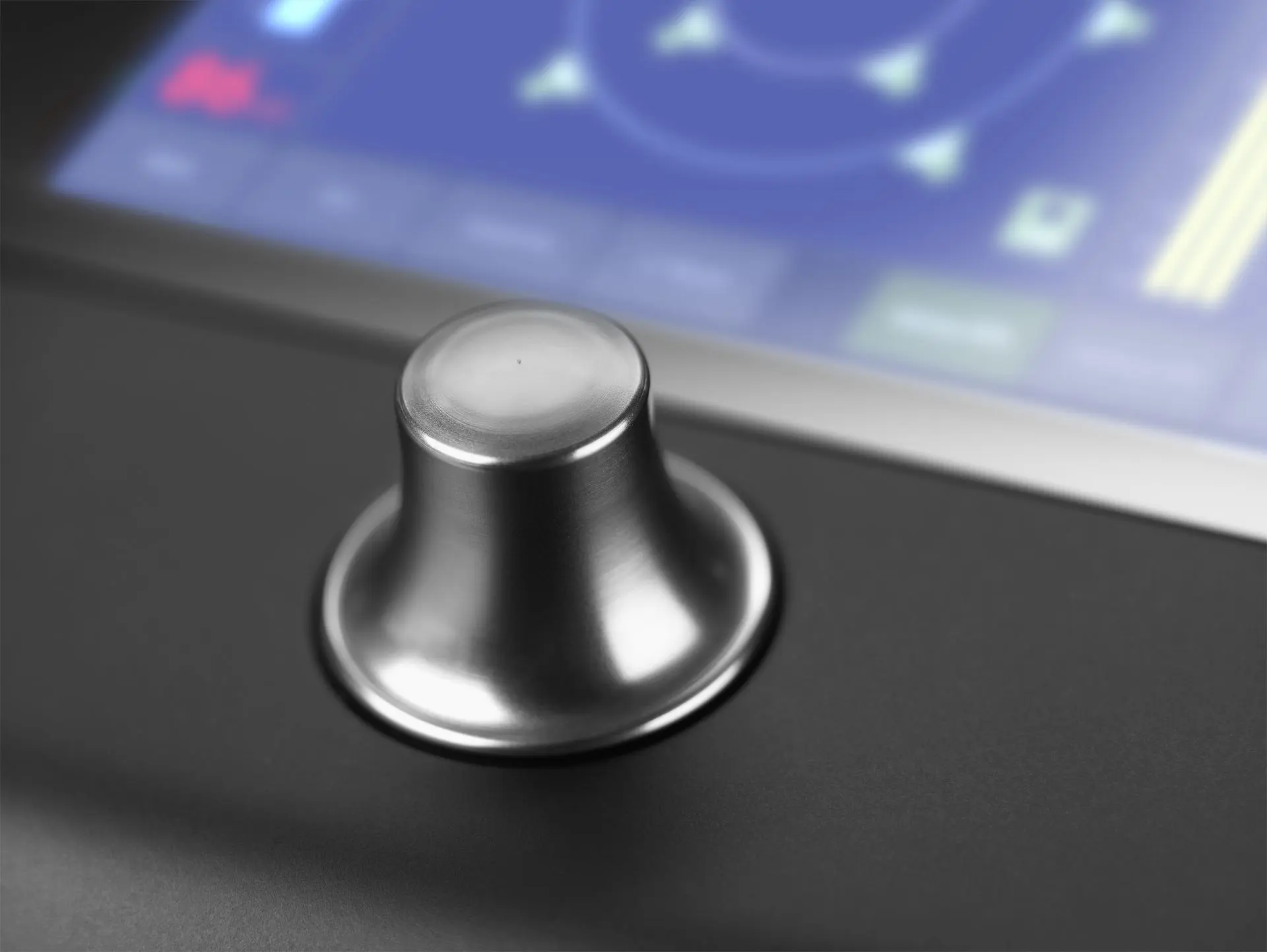
Assignable Knob
In addition to level control, pressing the knob can be assigned to activate DIM or Mute, or to recall a calibrated level.
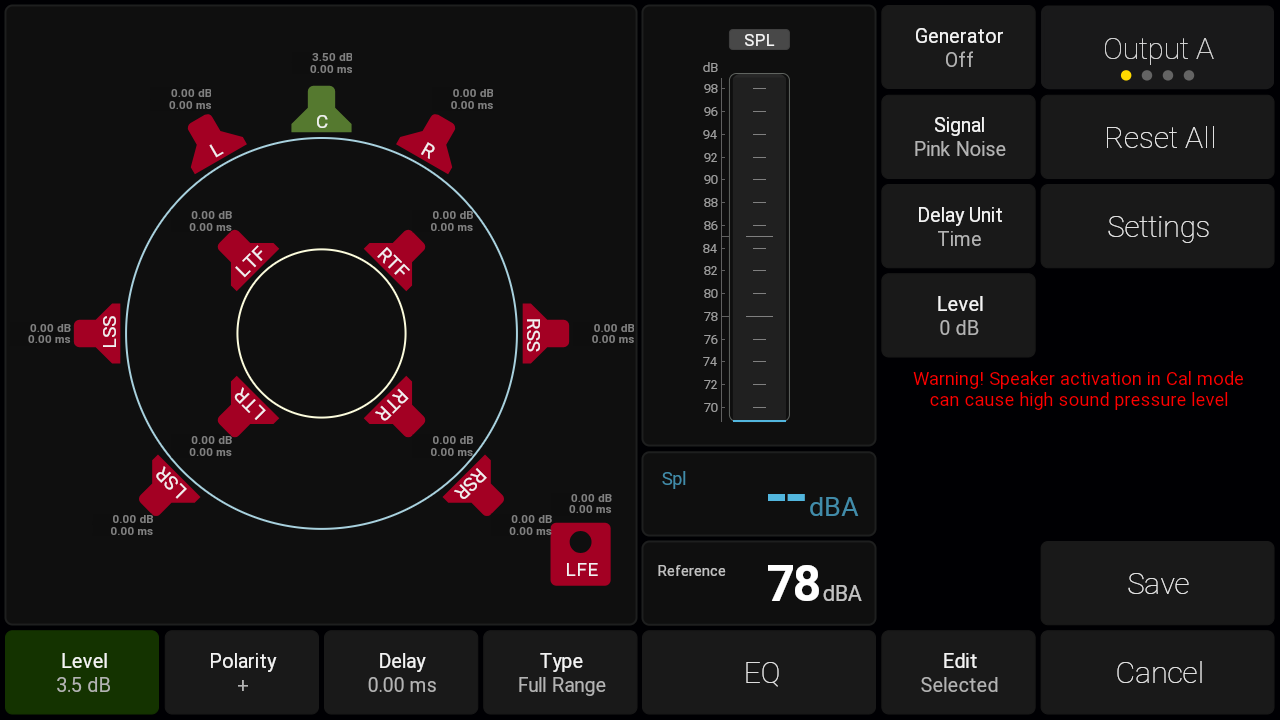
Speaker Calibration
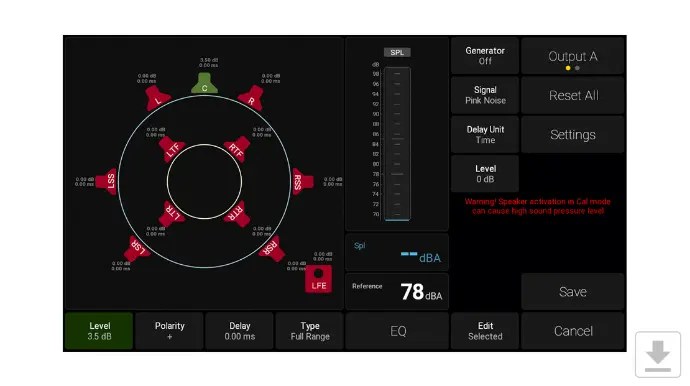
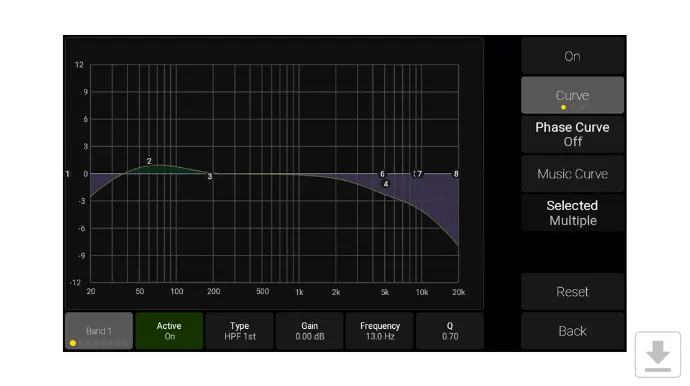
The speakers in your setup can be calibrated with regards to level, delay, polarity and EQ.
The support for measurement microphones, the built-in test tone generator and the live-input SPL meter is the optimal tool combination for calibrating your speaker levels to ensure they are perfectly aligned.
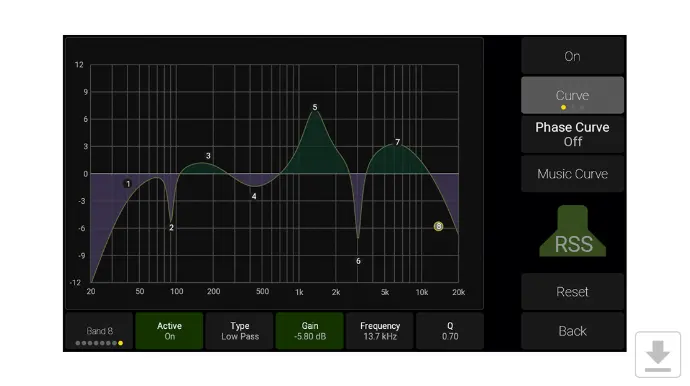
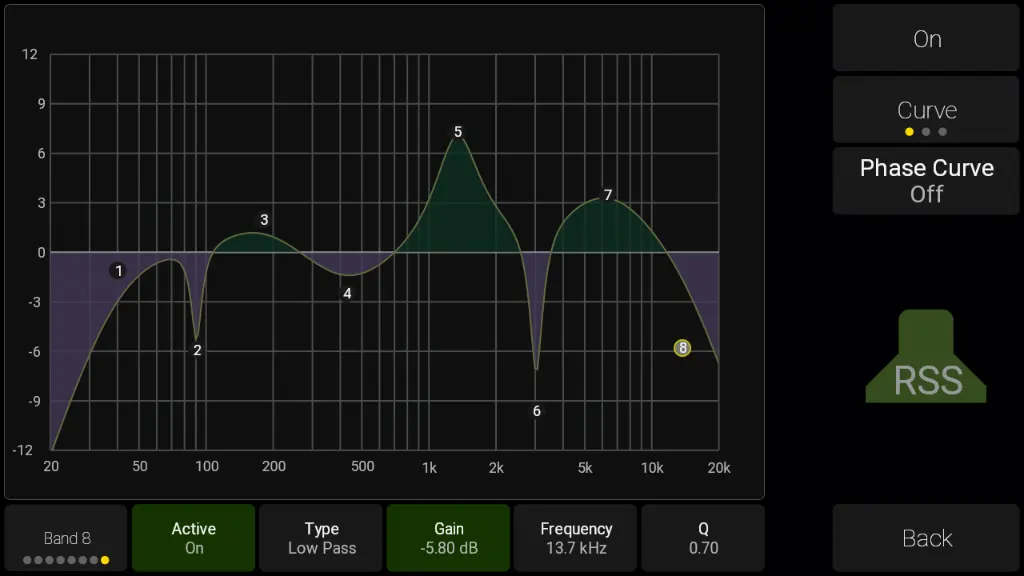
Each speaker has a DSP section for ultimate control. You can set individual delay, gain and phase, and a 8-band EQ is available for each speaker in your setup.
The Dolby Atmos® Music Curve can also be added to the EQ.
Calibrated speaker levels can easily be recalled by the press of a knob.
Bass Management
Flexible. Precise. Powerful.
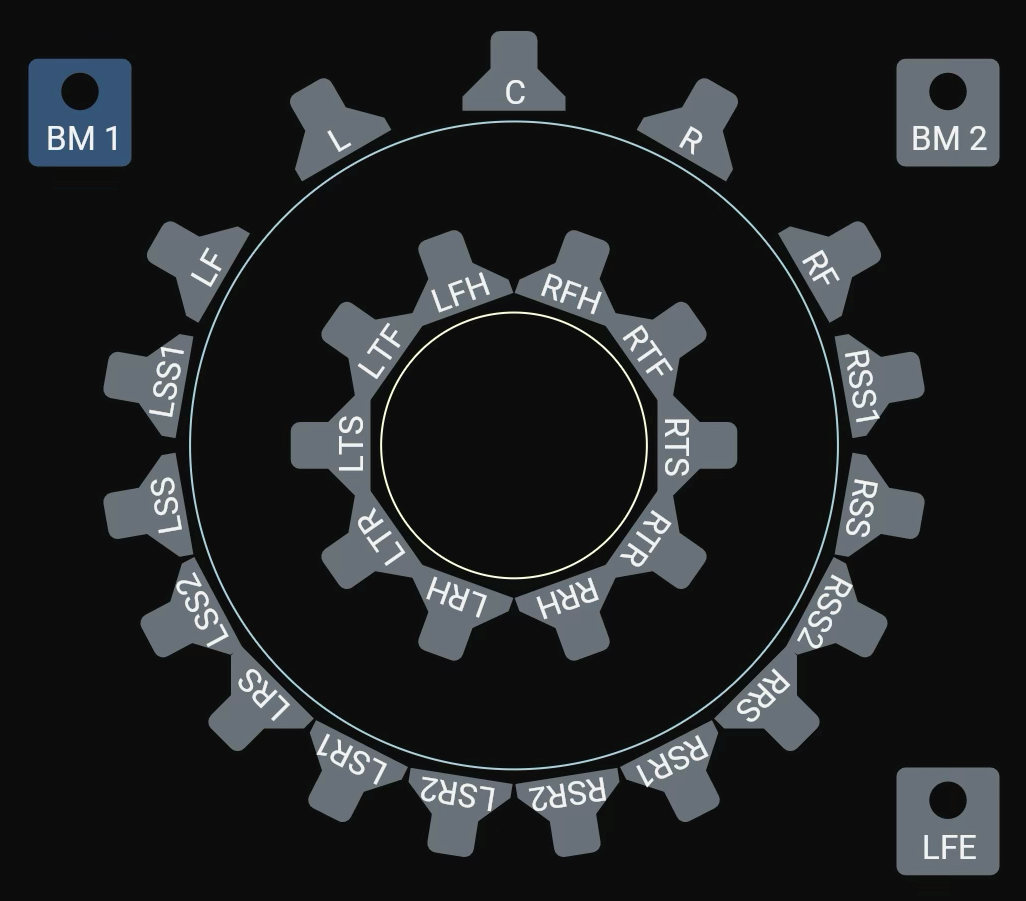
The advanced Bass Management system offers unparalleled flexibility for modern multichannel and immersive audio setups. It supports up to two LFE channels with individually adjustable crossover frequencies, allowing full-range and compact speakers to be perfectly matched within the same system.
Comprehensive filtering options include high-pass filters for bass-managed speakers, all-pass filters for time alignment, and an additional SUB output channel for formats without a dedicated LFE track.
With dedicated Bass Management (BM) outputs, you gain a new level of precision and routing control. In a traditional 7.1.4 setup, the LFE channel typically carries both the LFE signal and the redirected low-frequency content. Now, bass-managed low frequencies can be routed to separate subwoofers, allowing the LFE subwoofer to handle only the true LFE signal - a major step forward in flexibility and sonic accuracy.
An Expert Mode further expands control, enabling advanced users to bypass Bass Management filters entirely for full manual operation. Combined with precise per-channel routing, you can now define exactly how much signal each speaker contributes to the BM outputs — delivering ultimate customization and perfect low-frequency integration for any setup.
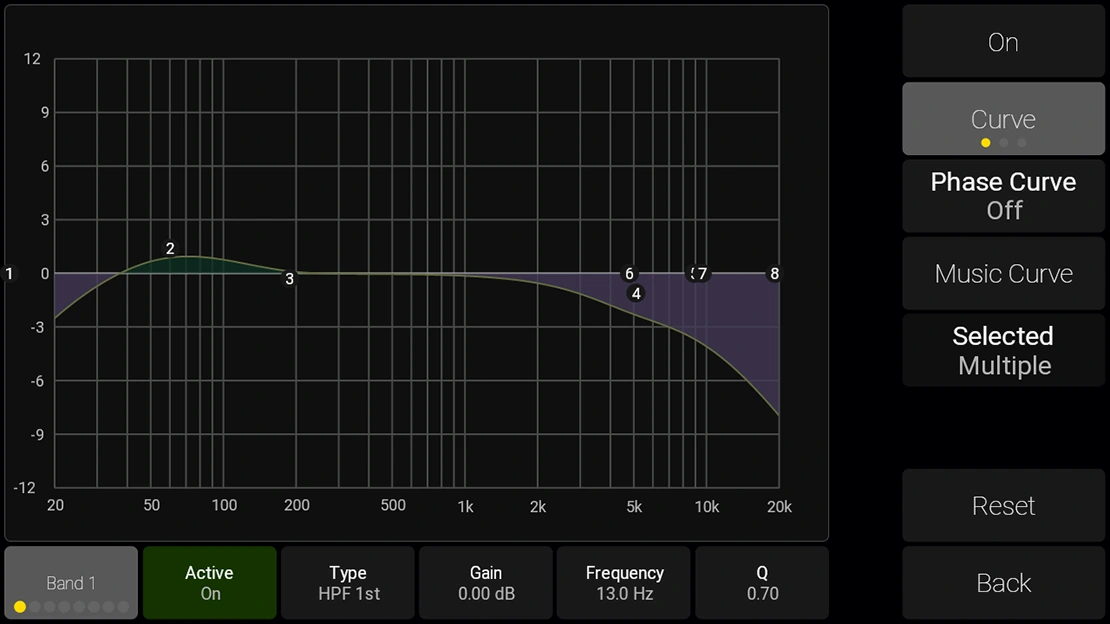
Dolby Atmos® Music Curve: One Click Away
The Dolby Atmos® Music Curve is supported on TouchControl 5 and can be enabled with a single click in the EQ section.
Built-in Microphone for SPL or Talkback
TouchControl 5 features a built-in microphone that can be used for calibrated monitoring.
Alternatively, it can be used for intercom talkback and can address any node in the audio network .

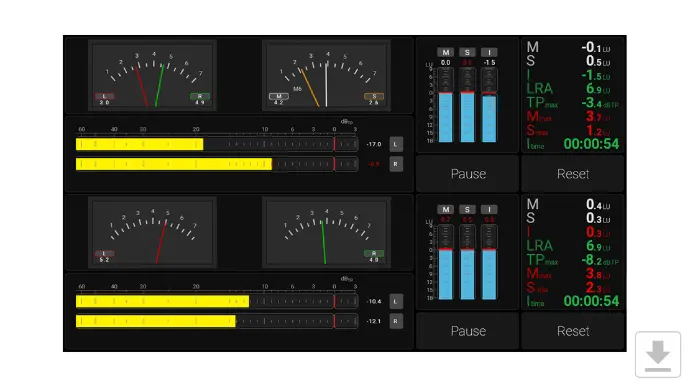
RTW Metering Inside
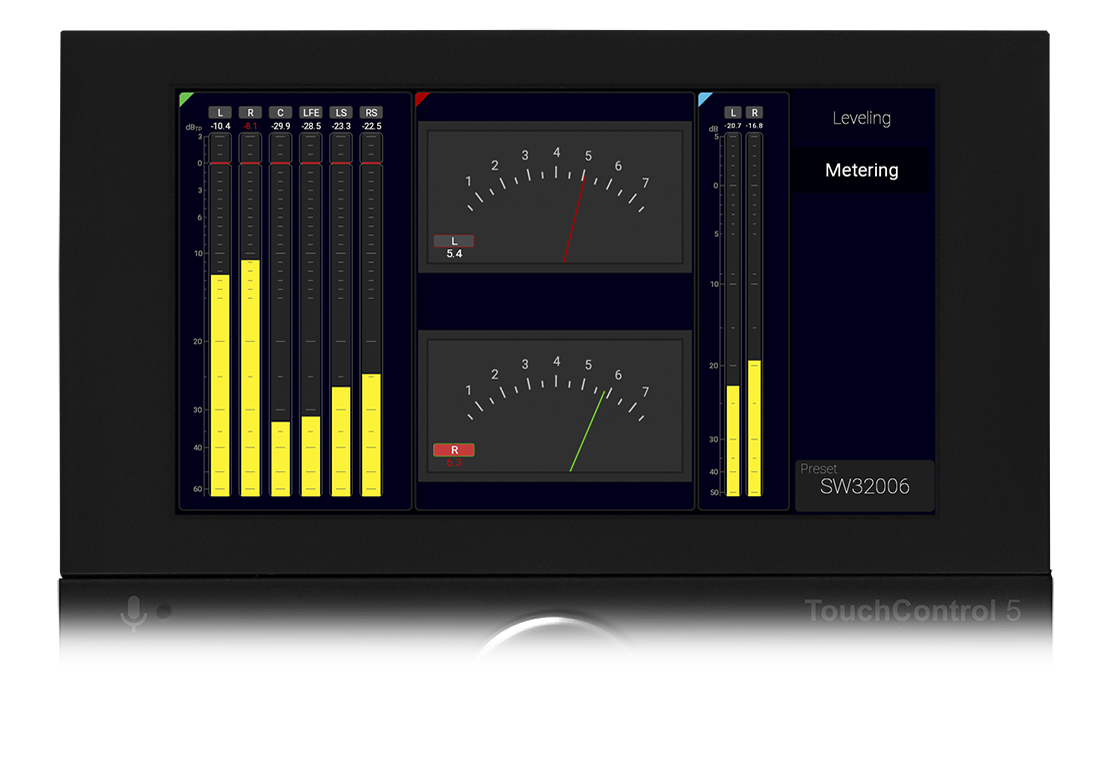
As you know, metering plays a significant role in any RTW device, and so it does in the TouchControl 5.
The PPM metering engine is taken from our high-end TouchMonitor meters, and you get a wealth of ways to tailor your own metering experience, including scales, color settings and more.
True Peak metering is of course part of the metering story, as well as VU and ‘British PPM’.
TouchControl 5 Instruments & Tools
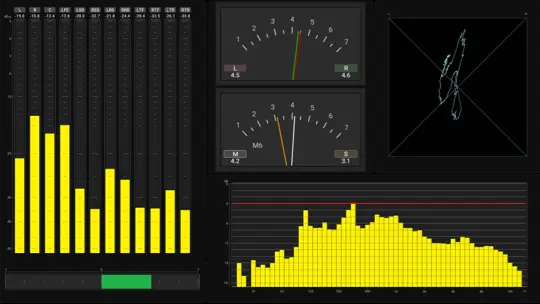
TouchControl 5 delivers a full suite of metering and analysis tools for immersive, speech-intelligent, and compliant workflows.
Level and loudness meters, stereo and phase tools, and detailed spectral analysis ensure precision at every stage. Immersive and speech-intelligibility instruments reveal balance, clarity, and listener impact. System and compliance tools keep performance and standards in check, all within one powerful platform.
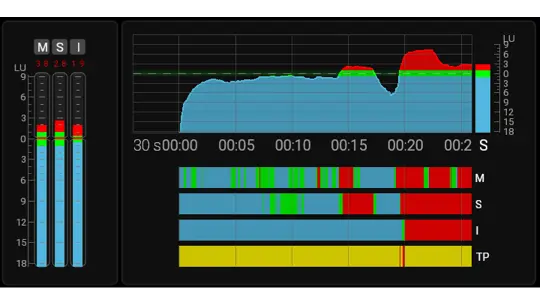
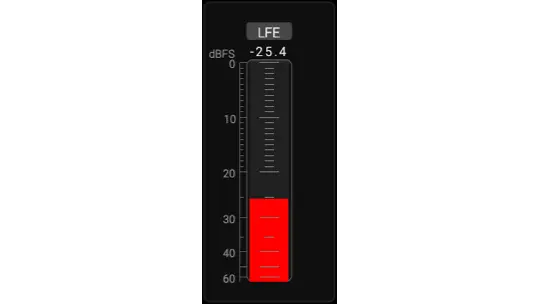
The Adding Metering to the 7.1.4 Monitoring Preset video on our YouTube channel shows how to add Metering functions to a Monitoring preset for example.
Intercom Functionality
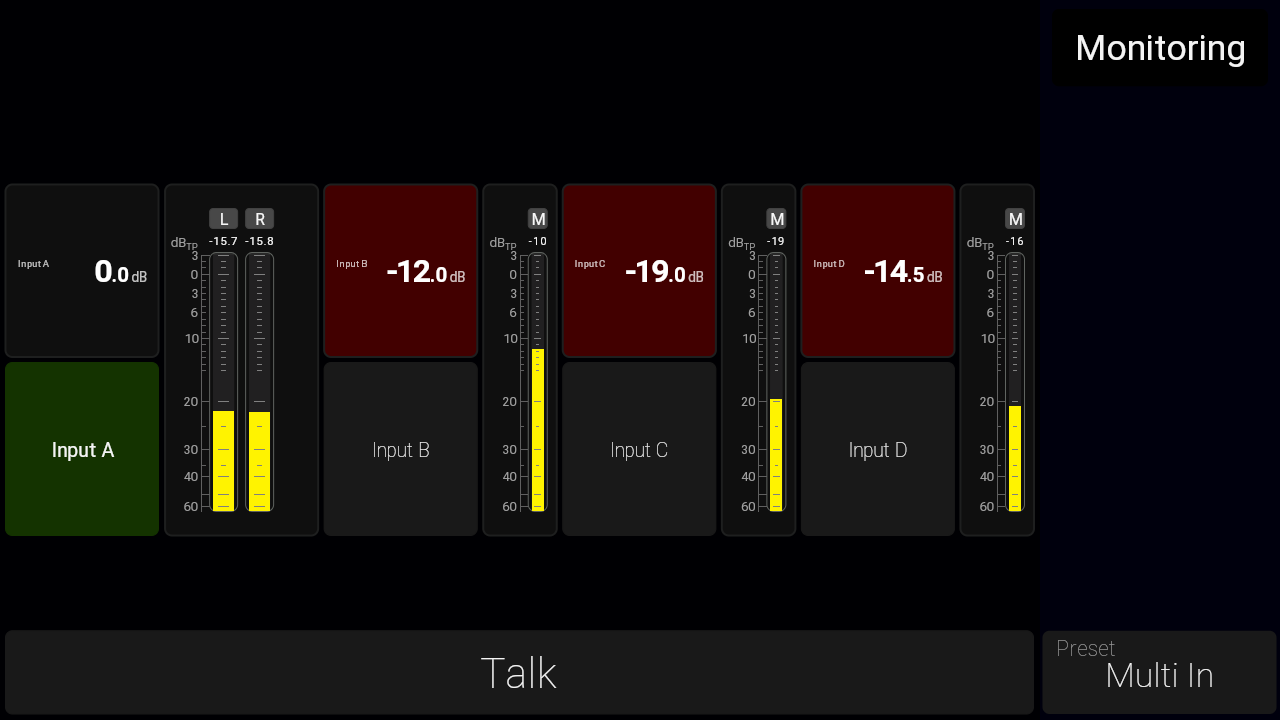
For facilities with multiple TouchControl 5 units, the intercom function can be enabled via the Input Instrument.
This feature lets you mix an external audio source into your current monitoring signal for effortless communication.
The Input Instrument also offers input trim control and can be muted when necessary — making it ideal for clear, streamlined communication between workstations within the same room.
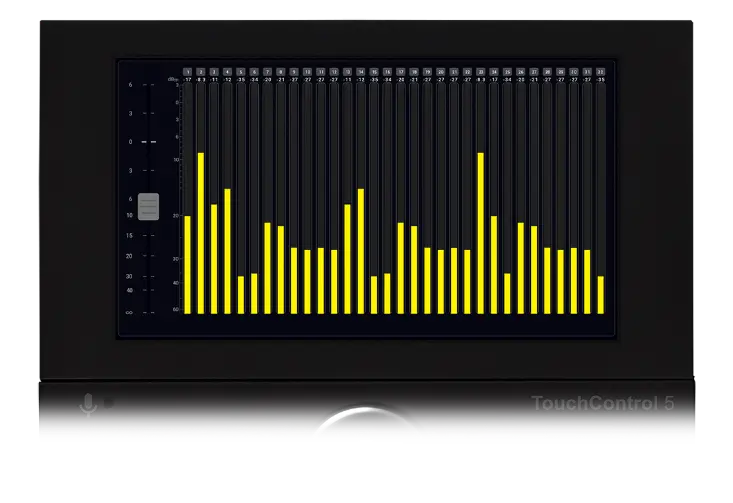
Network Level Control
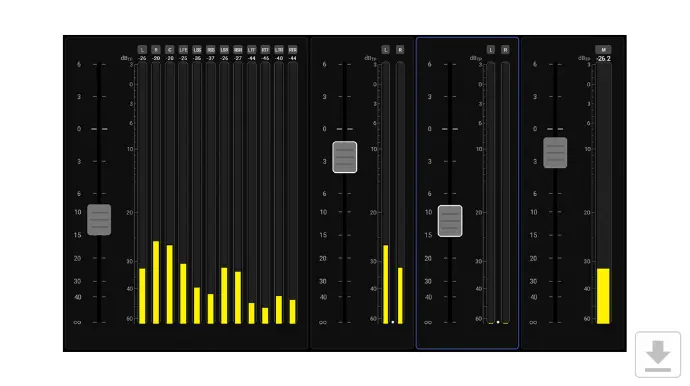
The Fader instrument allows level control of any channel in your network, and you can freely configure each fader to control the number of channels you wish. More faders can be combined, so you can control multiple groups of channels, and if you do so, levels are controlled relatively, using TouchControl 5's knob.
TouchControl 5's touch screen can of course also be used to control each fader, and you can create up to 4 faders each controlling single channels, stereo-, surround- or immersive formats.
Toolbox instruments also include a Talkback feature that lets you talk to any audio channel in you network. Talkback sources include the built-in mic, the external XLR input or any audio network channels.
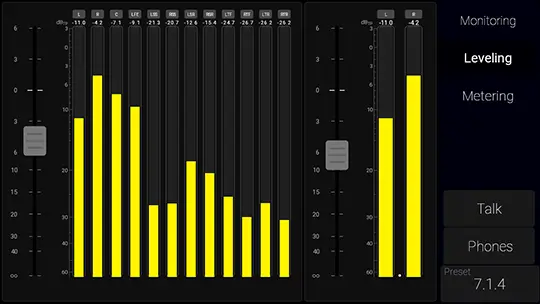
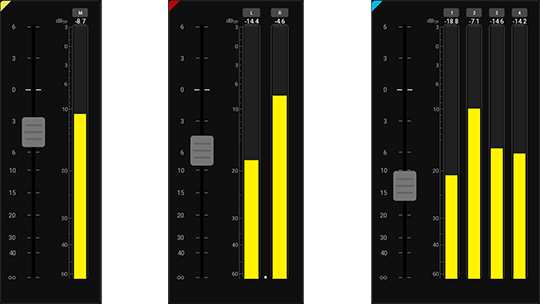
Faders can be based on any of the support channel formats. Here you see a 7.1.4 and a stereo.
Examples of different fader groups: mono, stereo or 4-channel. These can be expanded to 32 channels.
Action Instrument & Open Sound Control
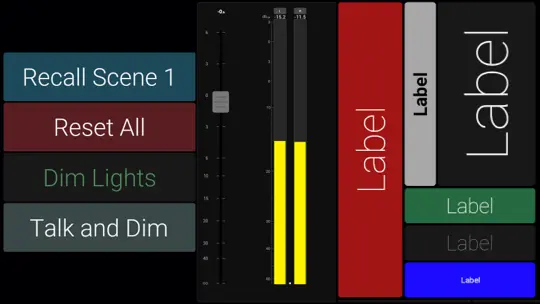
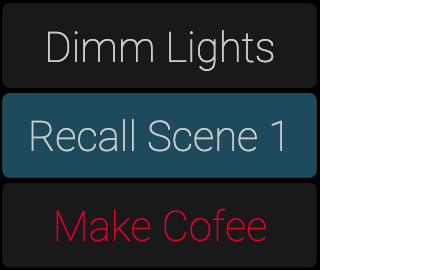
The Action Instrument & OSC adds powerful control capabilities directly into your metering environment.
It lets users create fully customizable buttons and assign specific actions, while also extending TouchControl 5 with full Open Sound Control (OSC) support.
- Customizable Buttons – design buttons with complete control over size, position, and color.
- Flexible Protocol Support – trigger commands via Open Sound Control (OSC) over TCP/UDP, or send HTTP requests.
- Two-Way OSC Integration – TouchControl 5 and TouchMonitor not only send commands but also respond to incoming OSC, enabling control of key functions such as preset recall, loudness start/stop/reset, reference level recall, mic gain adjustment, and more.
- Seamless Workflow Integration – connect directly to mixers, automation systems, and external devices to streamline production workflows.
- Actions are also available in all current buttons. So, when you hit MUTE, you can send an action at the same time.
With Action Instrument & OSC, your device evolves from a pure metering solution into a fully interactive, customizable control hub.
Network Display: Metering Anywhere, Anytime
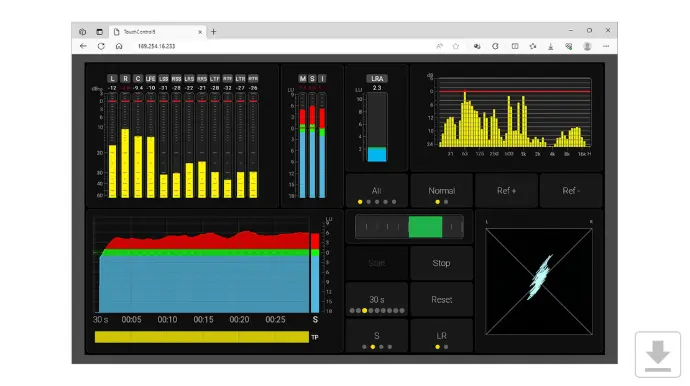
With Network Display, engineers, mixers, and operators can view real-time audio measurements anywhere on the local network using a standard web browser - without the need for extra hardware.
Whether monitoring from the control room, a production suite, or across multiple workstations, Network Display provides unmatched flexibility and helps streamline workflows.

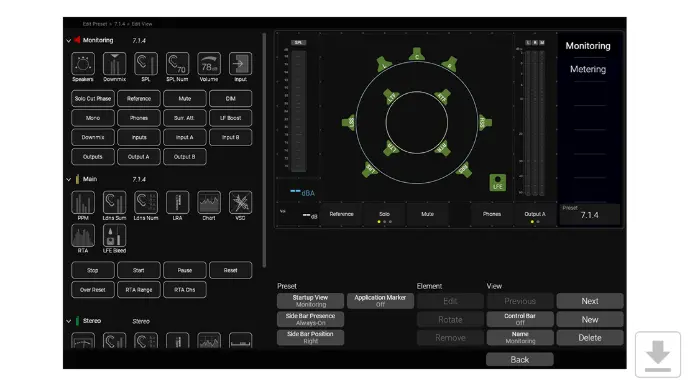
Design Your Own View Pages
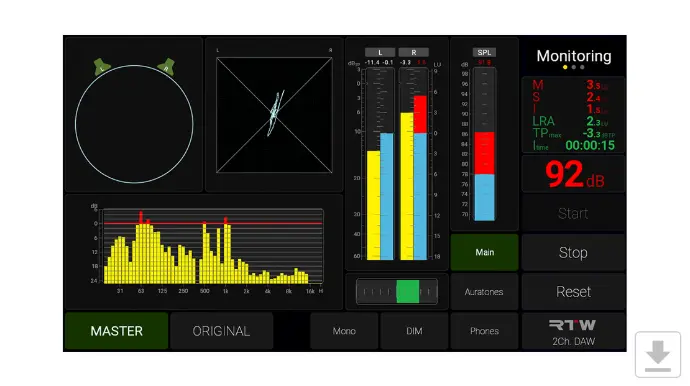
TouchControl 5 lets you design your own view pages.
For each instrument you can decide on size, ratio and placement, and several instruments can be rotated to fit your needs.
Buttons can be placed anywhere on the screen, those that are placed in the swipeable side bar are available across view pages.
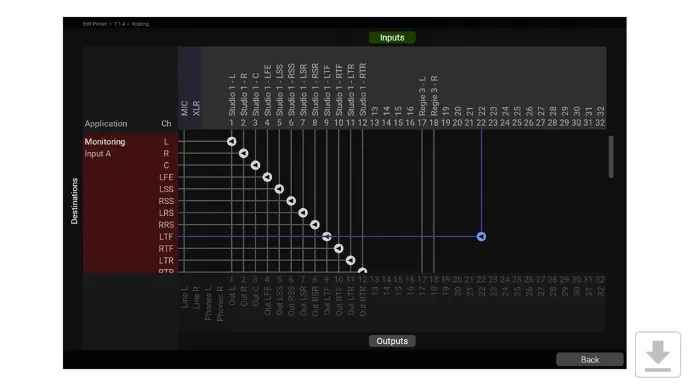
Extensive Routing
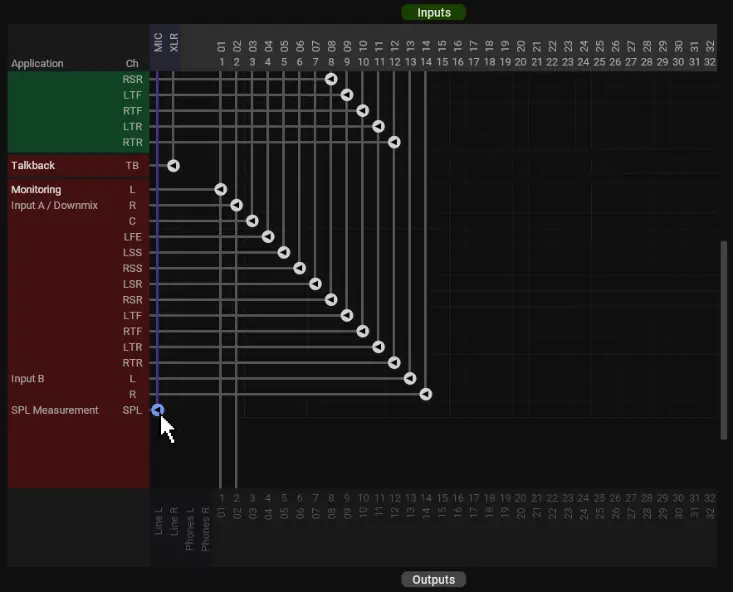
The Routing page lets you route your audio channels to and from TouchControl 5.
With support for 32 network channels plus the physical I/Os, there is a lot of possibilities.
For instance you could use the same channels for monitor control and metering, or split them so metering is independent from monitor control.
Built for Audio over IP networks
TouchControl 5 is built for Dante® or RAVENNA® Audio over IP networks.
It supports 32 channels in and out, up to 96 kHz.
Plugged In
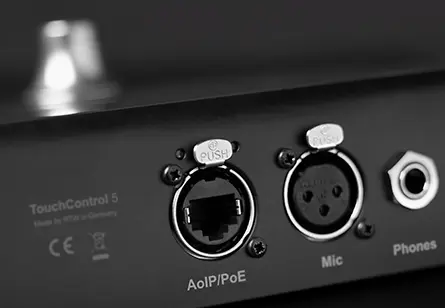
TouchControl 5 is born and raised as a network device.
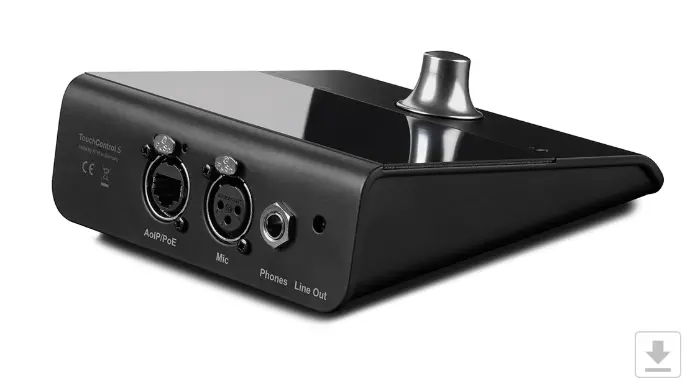
This means it requires very few external connections, allowing us to design a compact device with a remarkably small footprint.
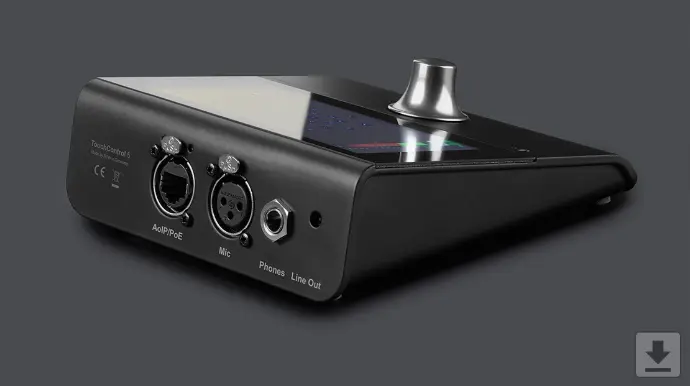
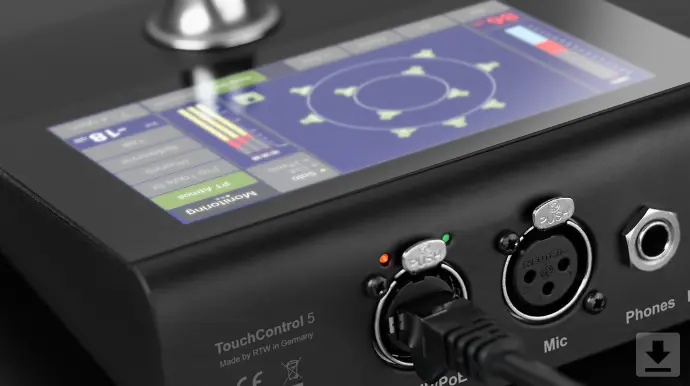
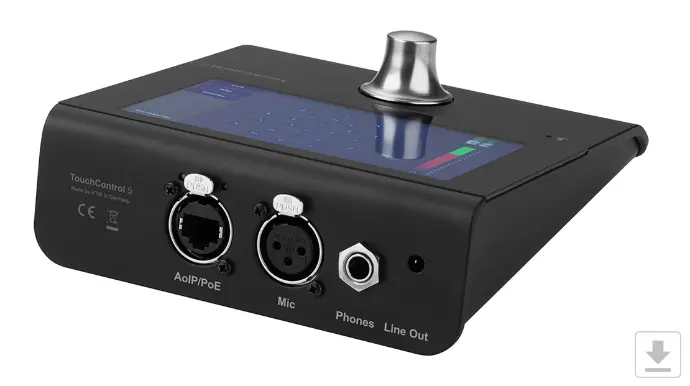
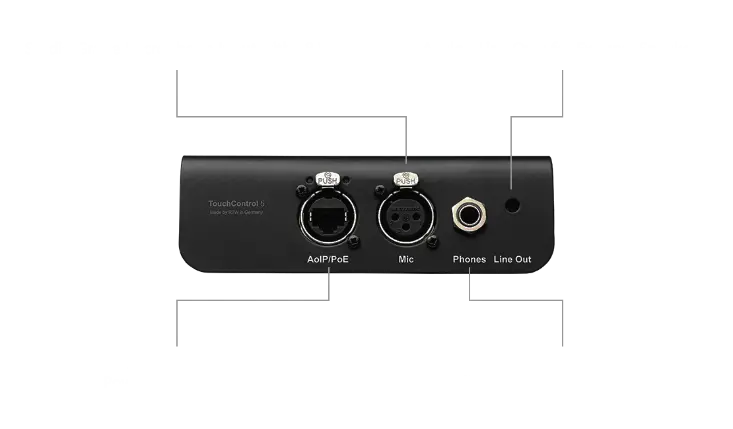
Its network port carries both audio and power, delivering 32 channels in and 32 channels out over a single connection.
In addition, TouchControl 5 features a pristine 24-bit / 96 kHz I/O section for optimal audio quality.
Two Versions
TouchControl 5 comes in two versions, one for Dante® networks and one for RAVENNA® networks.It supports 32 channels in and out, up to 96 kHz.


- Made for Dante® Audio over IP networks
- AES 67 (48 kHz only)
Order-no.: 320517ND
- Made for RAVENNA® Audio over IP networks
- AES 67
- SMPTE ST 2110-30 (one port)
- PTP Slave-only Mode
- NMOS
- Supports unicast streams
Order-no.: 320518ND
Easy Setup with Web-based Interface
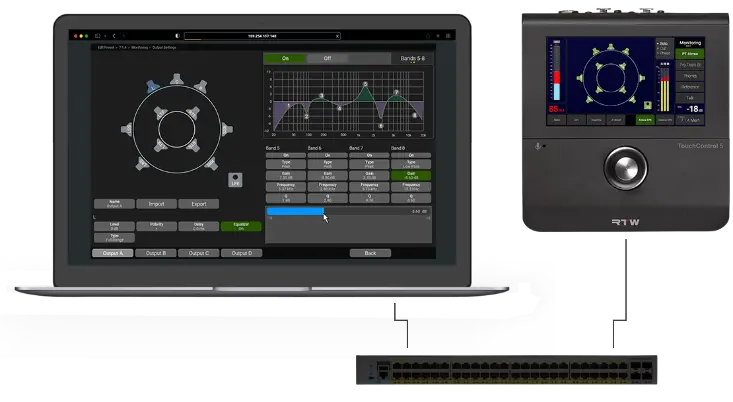
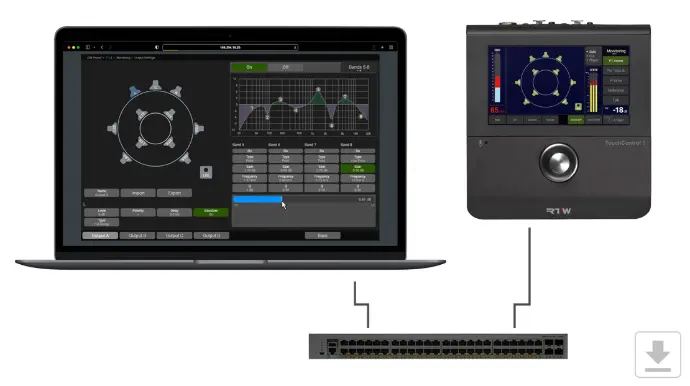
Being a true network device, the setup of TouchControl 5 is done through the network, using a standard web browser.
This is where you make the overall settings, manage presets and more.
You can also control the access to the device, including limiting operation to only certain features, avoiding un-intentional use during showtime.
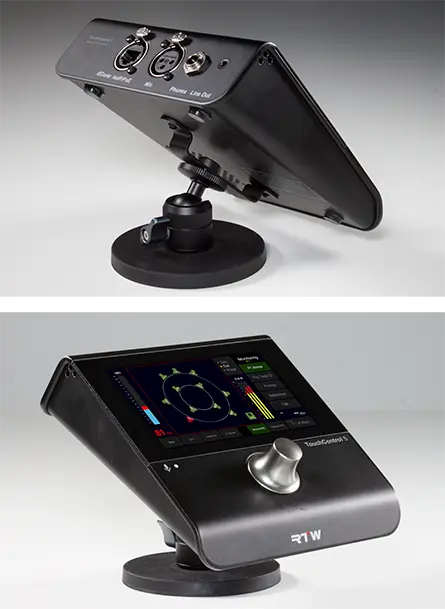
Mounting the TouchControl 5
The TouchControl 5 is designed to be versatile in its mounting options.
Direct Desk Placement
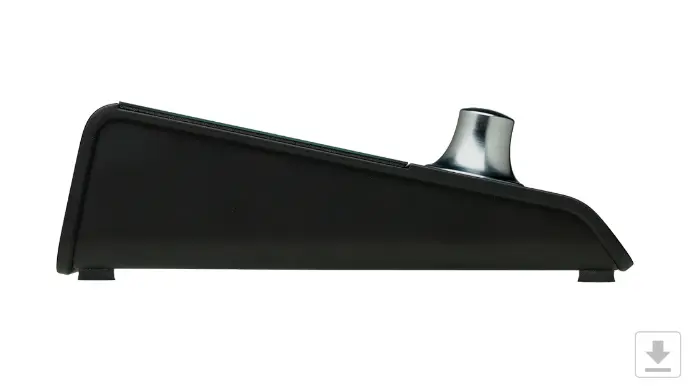
The TouchControl 5 fits comfortably in front of you on your desk, providing a straightforward setup.
Mounting with RTW 1166 Metal Mounting Plate
- The bottom of the TouchControl 5 features two mounting holes compatible with the RTW 1166 Metal Mounting Plate.
- This plate has a 3/8” internal thread, allowing you to mount the TouchControl 5 onto a standard microphone stand.
Using a Camera Mount
- To mount the TouchControl 5 on a 1/4” camera mount, simply add a 1/4” internal to 3/8” male thread adapter.
- For example, you can mount the TouchControl 5 on a mini tripod camera stand with a magnetic foot using the RTW 1166 Metal Mounting Plate and a 1/4” to 3/8” thread adapter.
This setup offers flexibility for various environments, whether you need a different viewing angle or prefer to mount it on different stands.
Built on the Power of RTW Legacy
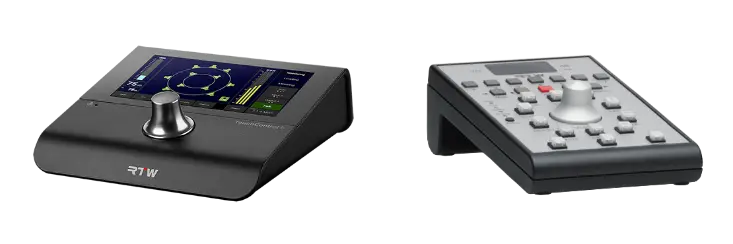
TouchControl 5 is built on our long and proud history of making high-end monitoring controllers. Many SurroundControl 31900 and 31960’s are still in use at large broadcast stations around the world.
On the outside, you can clearly see the similarities when comparing with the 30050 Remote Control.
On the inside, you will find even more similarities, as the monitoring engine of TouchControl 5 is built on the monitoring engine from 31900.
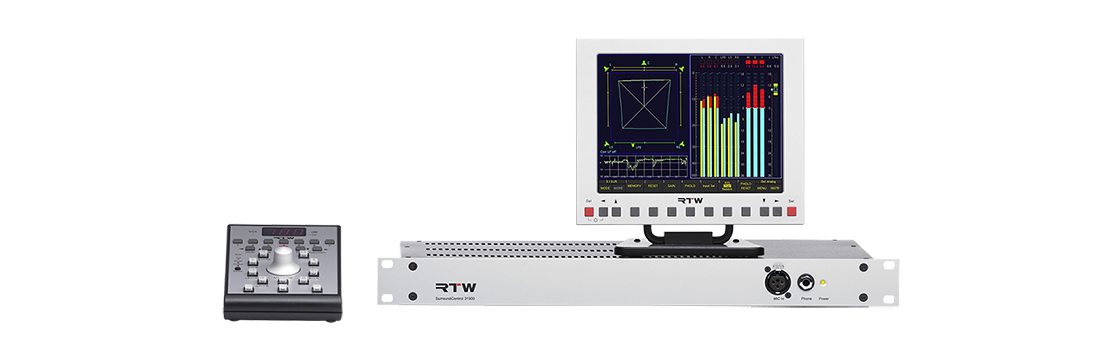
Accessories
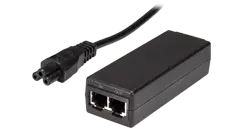
Ethernet Power Injector
Many ethernet switches provide Power over Ethernet (PoE), so in many cases, an additional power supply (ethernet power injector) is not needed for TouchControl 5.
In cases where you do need it, we offer the Power Injector with mains cable for different regions (order number 14554-IN).
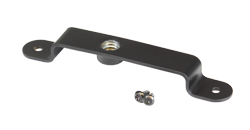
1166 - Metal Mounting Plate
Using the mounting plate, TouchControl 5 can be mounted on a mic stand or similar (3/8").