TouchMonitor 5
Preset Collection
- Collection of presets for TouchMonitor 5
- Crafted for AoIP applications
- Guaranteed support for international standards
Explore the features of TouchMonitor 5 with this collection of presets. They cover a wide range of options, from simple to advanced setups, stereo to Atmos configurations, among others.
If you have no audio at hand, you can enable Demo Mode to play back the built-in 7.1.4 sound track, which will play on channels 1 - 12.
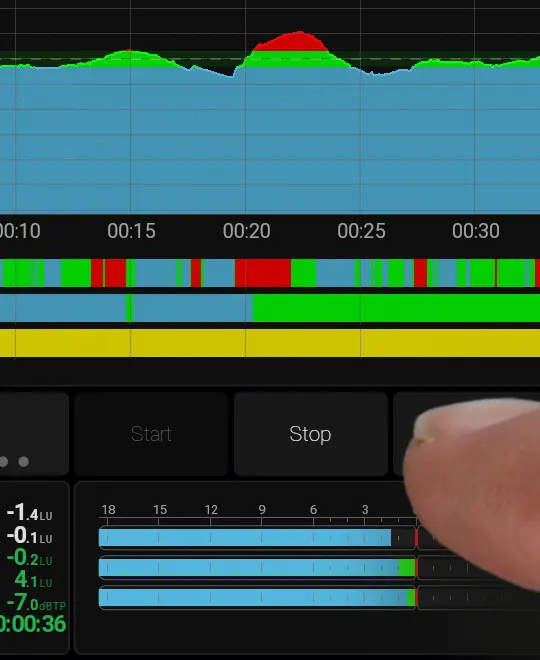
How to enable Demo Mode on TouchControl 5, TouchMonitor 5 and TMxCore.
Working with Presets.
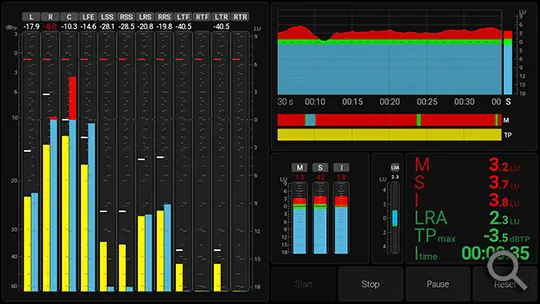
RTW Atmos
Use the loudness chart to monitor loudness over time and the PPM+Loudness bar graph to track individual channels.
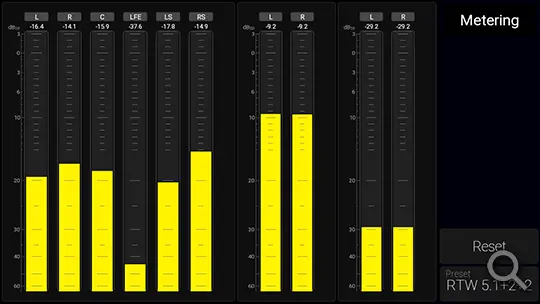
RTW 5.1+2+2
A straightforward preset designed for a setup with 5.1 surround and two stereo feeds, commonly used by broadcast professionals in live production.
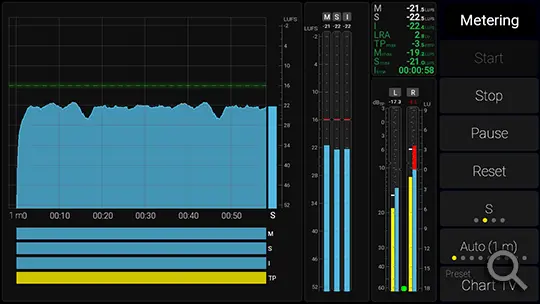
RTW Chart
The loudness chart provides a time-based overview of loudness, serving as an excellent tool to ensure you meet your loudness targets.
RTW Dialog
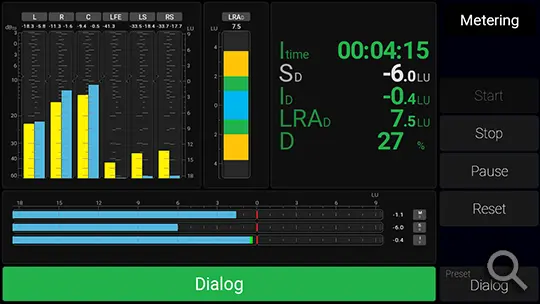
Dialog-gated loudness measurement allows you to focus specifically on parts of your program that contain dialog.
RTW Dialog 2
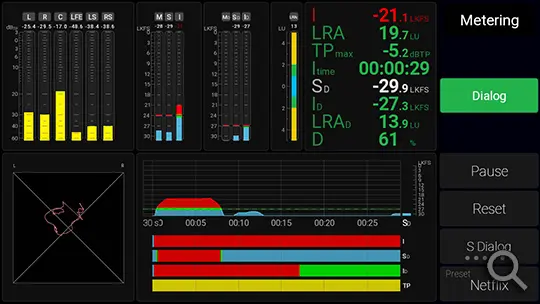
Metering of a 7.1.4 and a stereo signal. The two metering sections are independent and can measure audio channels from anywhere in your audio network.
RTW Dual 5.1
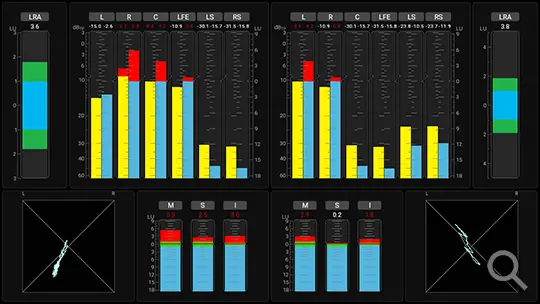
Many broadcasters utilize 5.1 surround sound, and this preset allows you to monitor two 5.1 sources simultaneously.
RTW Stereo
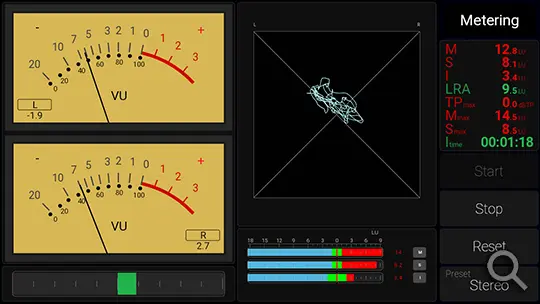
Loudness, Moving Coil, and Vectorscope are essential tools for stereo work, helping you detect potential issues.
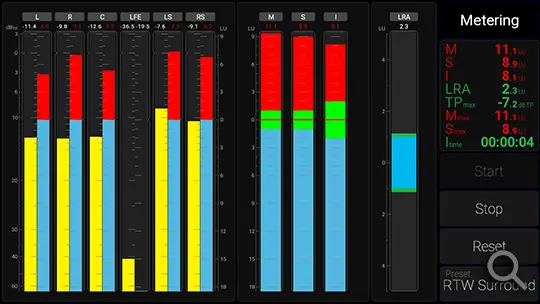
RTW Surround
A straightforward surround preset that’s versatile and suitable for various applications.